

When Daily Budgeting Matters — and How Solver Makes It Simple
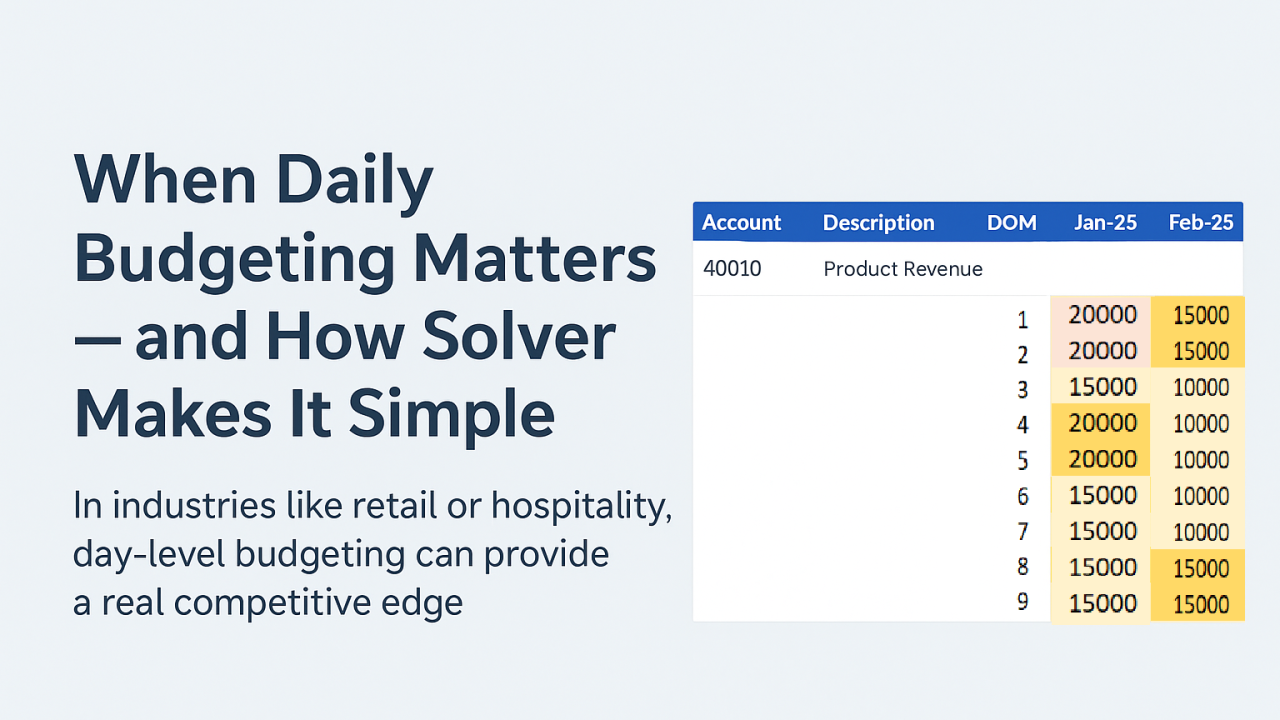
Daily budgets can be a useful tool in some organisations. Conditional formatting can highlight public holidays, weekends and other key events.Most organisations think in months or weeks when it comes to budgeting. But in industries like retail or hospitality, day-level budgeting can provide a real competitive edge.
Imagine a chain of stores: some days may have a public holiday, a planned closure, or a special promotional event. Costs and staffing requirements vary day by day. Aggregating these variations into a single monthly number can obscure critical insights. This is where Solver’s daily budgeting capabilities shine.
How Solver handles daily budgets
By default, Solver stores transactions against a Period ID, which works well for traditional monthly budgeting. For daily accuracy, however, you can use the Date field under More Fields instead of the standard Period dimension.

Budget write-backs
Using the Date field ensures that budget transactions are written back to the exact day, not just the start of the month. Solver’s write-back functionality allows you to store budgets by period, week, or day. When using daily budgeting:
- Transactions are written back to the exact date you enter.
- The corresponding Period ID is automatically selected based on that date.
- Excel formulas ensure dates are recognized correctly, avoiding errors during the write-back.
This enables a single source of truth for budgets while maintaining flexible input and daily granularity.
Practical benefits
- Accurate staffing and cost planning: Adjust budgets for weekends, public holidays, or special events.
- Better forecasting for closures or promotions: Daily detail highlights trends that monthly summaries can hide.
- Flexible reporting: Even with daily entries, you can still roll up to week- or month-level reporting using Solver’s grouping and filtering features, such as the FYWeek field.
Getting started
To handle daily write-backs in Solver:
- Remove the standard Period column from your budget write-back layout.
- Drag the Date field from More Fields into your layout. (Dates require a specific format; contact us for guidance.)
- Enter transactions with the exact day you want them recorded.
- Save the budget — Solver will post it to the appropriate day, week, and period.
With this setup, your budgeting becomes both precise and actionable, allowing you to respond to daily operational needs while keeping reporting accurate and flexible.